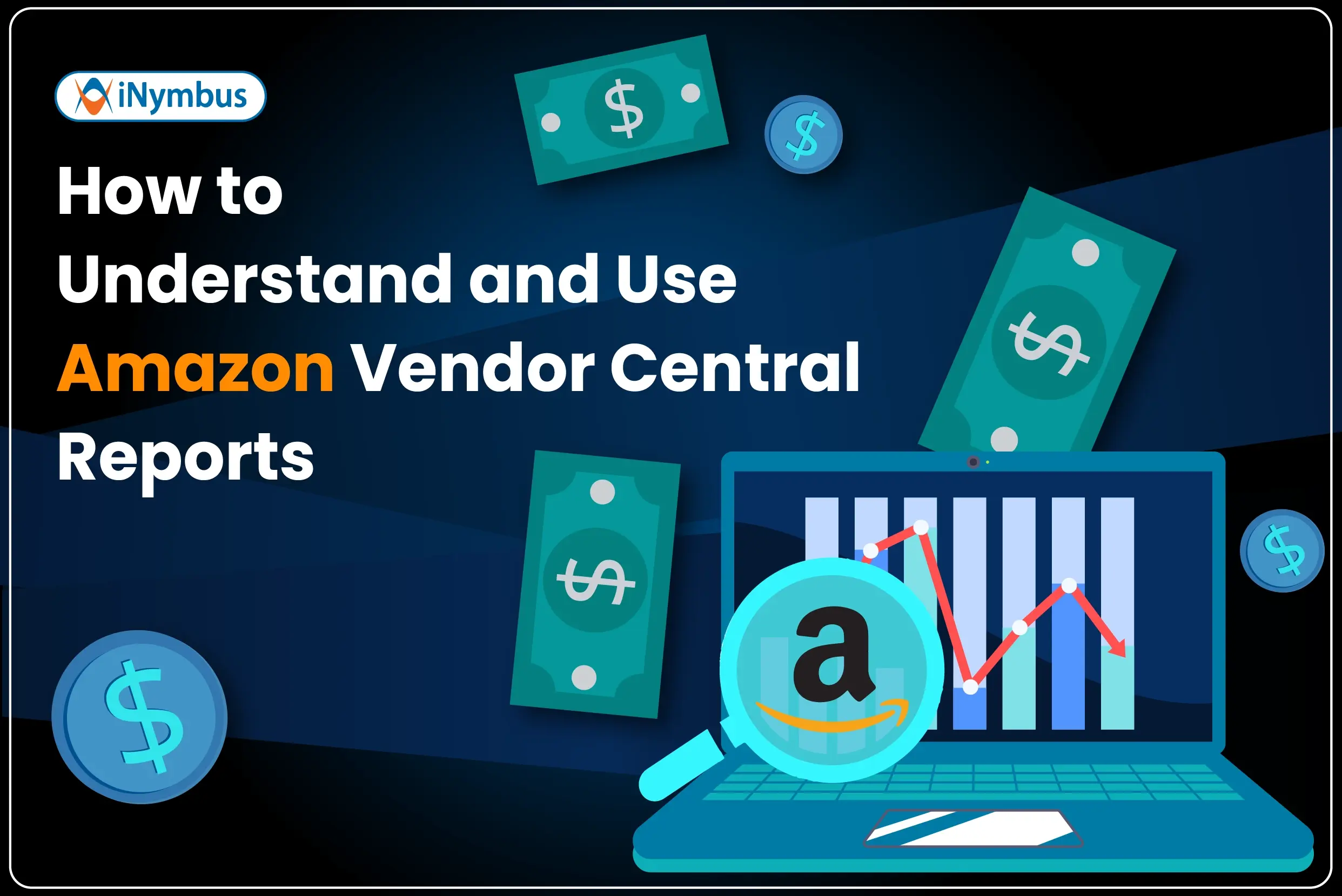
If you sell to Amazon as a vendor, you already have access to valuable data, but most teams never use it effectively.
Amazon Vendor Central gives you detailed reports on sales performance, deductions, disputes, inventory, and operational compliance. However, most AR and finance teams struggle to pull the right reports, interpret the numbers correctly, and act before revenue slips away.
In this guide, we explain the reports available in Vendor Central, highlight the metrics that matter most, and show you where vendors commonly lose money.
The 8 Report Categories in Vendor Central
Amazon organizes Vendor Central data into eight major report categories. Each report helps you monitor a different part of your business.
1. Retail Analytics
Retail Analytics gives you the most complete view of your Amazon business. You can track sales, inventory, traffic, forecasts, Net PPM, and catalog health from a single dashboard.
You should closely monitor:
-
Shipped units
-
Out-of-stock rate
-
Glance views
If your listings receive high glance views but low conversions, you likely need to improve pricing, content, or product listings.
2. Sell-In Operations
Sell-In Operations tracks purchase orders and shipment performance. You can review:
-
Order confirmation rates
-
Lead times
-
Inbound defects
This report often reveals the root cause of compliance issues. When your confirmation rate drops, Amazon may issue automated chargebacks. Your AR team then has to manually dispute those deductions.
3. Co-Op Invoices
Amazon uses Co-Op deductions, also called Contra CoGS, to recover shared marketing and promotional expenses from vendors.
These deductions often appear in remittance without warning, and many vendors discover that the charges do not match their agreements.
You should compare every Co-Op invoice against your vendor agreement during each billing cycle. This report helps you identify incorrect deductions before they become permanent losses.
4. Merchandising
The Merchandising report helps you monitor catalog quality. It highlights:
-
Suppressed listings
-
Missing images
-
Content errors
Poor catalog health reduces traffic and conversions. Over time, weak performance can affect your relationship with Amazon buyers and create pressure on pricing and terms.
5. Invoices
The Invoice report shows what you billed Amazon for shipped goods.
You should reconcile this report against remittance every reporting cycle. Any mismatch between invoices and payments usually indicates a deduction.
6. Remittance
The Remittance report shows what Amazon actually paid.
The difference between invoice amounts and remittance amounts reveals:
-
Shortage claims
-
Pricing discrepancies
AR teams should review this report every week because it directly affects revenue recovery.
7. Dispute Management
The Dispute Management dashboard tracks the status of disputes you file with Amazon.
You can monitor disputes that are:
-
Open
-
Under review
-
Approved
-
Denied
When teams manage disputes manually, cases often fall behind. As a result, Amazon's response deadlines expire before teams can recover valid claims.
8. Direct Fulfillment
Vendors using Amazon’s drop-ship model rely on the Direct Fulfillment report to monitor:
-
Order accuracy
-
Carrier compliance
Amazon automatically generates charges for non-compliance issues. You should audit this report regularly before Amazon issues penalties.
Manufacturing View vs. Sourcing View
Before you pull reports, you need to understand which data view you are using.
Sourcing View
Sourcing View displays only the ASINs that Amazon purchases directly from you.
This view works best for:
-
Operational reporting
-
AR reconciliation
-
Deduction tracking
Manufacturing View
Manufacturing View displays all ASINs connected to your brand, including products sourced through distributors.
This view works best for:
-
Brand-level analysis
-
Market share tracking
-
Strategic planning
If your AR team uses the wrong view, they can misread data and make incorrect decisions. Most AR teams should default to Sourcing View.
The Metrics That Matter Most
|
Metric |
Where to Find It |
Why It Matters |
|
Shipped Units |
Retail Analytics – Sales |
Establishes your revenue baseline |
|
Out-of-Stock Rate |
Retail Analytics – Inventory |
Impacts lost sales and penalties |
|
Order Confirmation Rate |
Sell-In Operations |
Missed POs can trigger chargebacks |
|
Remittance vs. Invoice Delta |
Remittance + Invoices |
Reveals deductions |
|
Open Dispute Count |
Dispute Management |
Shows revenue currently at risk |
Where Vendors Lose Money Without Realizing It
Most teams monitor sales and inventory reports regularly. However, far fewer teams reconcile remittance against invoices consistently, and even fewer dispute invalid deductions before deadlines expire.
Here is the common breakdown:
-
Amazon applies a shortage claim or Co-Op deduction.
-
The AR team notices the issue days or weeks later.
-
Team members manually collect documents from Vendor Central, ERP systems, and carrier portals.
-
Amazon’s dispute window begins closing before the dispute gets filed.
As a result, companies permanently write off revenue they could have recovered.
As vendors scale, deduction volume increases rapidly. Manual processes simply cannot keep pace.
The Fix: Act on the Data Faster
Reviewing Vendor Central reports is only the first step. The real challenge is taking action quickly and consistently.
That is where iNymbus helps.
iNymbus automation identifies deductions as soon as they appear in Vendor Central, gathers supporting documentation automatically, and files disputes before deadlines expire.
Teams managing more than 1,000 claims per month can process disputes in less than a week, dramatically reducing the time between deduction and recovery.
Instead of chasing paperwork, AR teams can focus on root-cause analysis and long-term prevention.
Start Here: A Simple Weekly Routine
Follow this weekly process to stay ahead of deductions:
-
Pull the Remittance report and compare it against the Invoice report for the same period.
-
Flag discrepancies above 0.5% of revenue for dispute review.
-
Review the Dispute Management dashboard and prioritize cases nearing deadlines.
-
Check Sell-In Operations for low confirmation rates or inbound defects that could trigger future chargebacks.
-
Automate the process if dispute volume exceeds your team’s capacity.
Vendor Central reports give you the data. The speed and accuracy of your response determine whether you recover revenue or absorb unnecessary losses.
Want to see how iNymbus automates deduction disputes directly from your Vendor Central data? Schedule a demo.