Invoice automation tools have become essential for businesses looking to streamline their accounts payable and receivable processes. Instead of manually entering data, chasing approvals, and tracking payments, automated invoice software now handles these repetitive tasks with speed and accuracy.
The benefits are clear: companies save dozens of hours each month, reduce human error that leads to payment disputes, and cut operational costs significantly. Some businesses report up to 80% reduction in invoice processing time after implementing automation.
When evaluating invoice automation software, focus on integration capabilities with your existing accounting systems, OCR accuracy for data extraction, approval workflow customization, and reporting features that give you real-time visibility into your financial operations.
What Are Invoice Automation Tools?
Invoice automation tools are systems designed to handle the repetitive steps involved in processing invoices. These steps typically include:
-
Invoice capture
-
Data validation
-
Workflow routing
-
Approval management
-
Payment tracking
-
Exception handling
Instead of relying on spreadsheets and email chains, businesses use automated invoice software to streamline operations and reduce processing delays.
Top 10 Invoice Automation Tools for 2026 (Best Automated Invoice Processing Software)
Below is a comparison of the top invoice automation tools available in 2026, including their pricing models, strengths, and ideal use cases.
1. iNymbus
Overview:
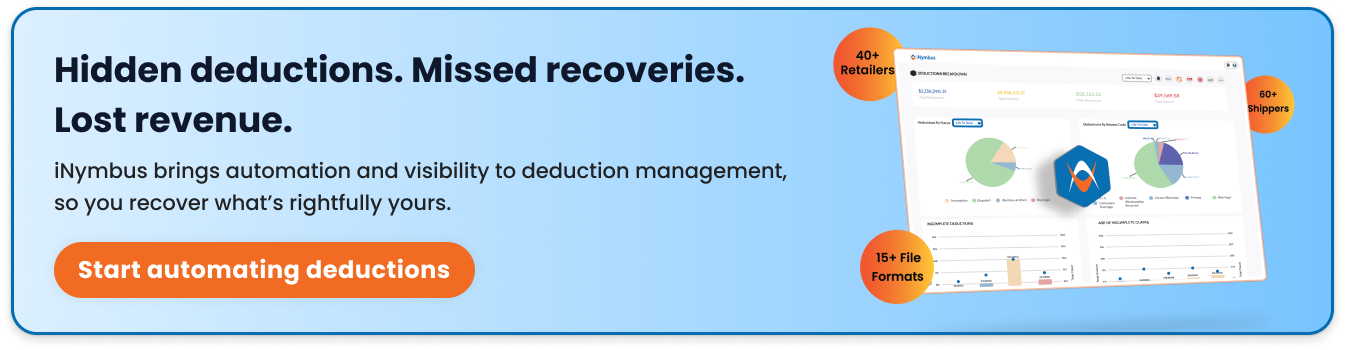
iNymbus is designed to automate the management of invoice deductions, shortages, and chargebacks that occur when suppliers work with large retailers.
These disputes often require teams to review supporting documentation, submit claims through retailer portals, and follow up until the issue is resolved.
iNymbus focuses on reducing the manual effort involved in this process by using Robotic Process Automation to handle repetitive tasks associated with dispute management.
Key Features:
-
Automation of retailer deduction and chargeback disputes
-
Retrieval and organization of supporting documentation
-
Automated claim submission through retailer portals
-
Tracking of claim progress and responses
-
Integration with ERP systems and retailer compliance platforms
Best for:
Mid to large enterprises dealing with high volumes of retailer chargebacks and deductions (suppliers, distributors, manufacturers).
Pricing structure:
Custom pricing based on transaction volume and number of retailer connections.
Pros:
-
Handles complex dispute resolution automatically
-
Significant time savings on chargeback management
-
Direct integration with major retailer portals
Cons:
-
Focused primarily on retail disputes rather than general invoice processing.
Integrations:
Connects with major ERP systems and retailer compliance portals.
2. Tipalti
Overview:
Tipalti is a financial operations platform that supports invoice processing and global payments. It is widely used by companies that manage payments across multiple countries and currencies. The platform combines invoice capture, approval workflows, and payment execution within a single system, which helps finance teams manage supplier transactions more efficiently.
Key Features:
-
Automated invoice capture and validation
-
Approval workflows for invoice review
-
Global payment capabilities across multiple currencies
-
Supplier onboarding and tax compliance tools
-
Integration with major ERP and accounting systems
Best for:
Growing companies and enterprises with international supplier networks
Pricing structure:
Starts around $115/month for basic plans; enterprise pricing varies based on payment volume
Pros:
-
Comprehensive global payment support
-
Strong compliance and tax management features
-
Excellent supplier onboarding portal
Cons:
3. BILL
Overview:
BILL provides a cloud-based platform that helps businesses manage both accounts payable and accounts receivable processes. It is commonly used by small and mid-sized companies that want to digitize invoice handling without implementing complex enterprise software. The system focuses on simplifying invoice entry, approval workflows, and payment processing within a single interface.
Key Features:
-
Automated invoice capture and data extraction
-
Configurable approval workflows
-
Electronic payment processing through ACH, card, and check
-
Real-time invoice tracking and status updates
-
Integration with accounting platforms such as QuickBooks and Xero
Best for:
Small to mid-sized businesses looking for user-friendly AP/AR automation
Pricing structure:
Essentials plan at $49/month, Team at $65/month, Corporate at $89/month, and Enterprise custom pricing.
Pros:
-
Intuitive interface with minimal learning curve
-
Strong mobile app functionality
-
Flexible payment options (ACH, check, card)
Cons:
-
Limited customization for complex approval chains
4. Stampli
Overview:
Stampli is an accounts payable automation platform that emphasizes collaboration during the invoice approval process. Instead of relying on email threads or manual follow-ups, the platform allows finance teams and department managers to communicate directly within the invoice record. This approach helps streamline invoice approvals and maintain a clear audit trail.
Key Features:
-
AI-supported invoice data capture
-
Centralized communication within invoice records
-
Customizable approval workflows
-
Detailed audit trail for compliance and tracking
-
Integration with ERP and accounting platforms
Best for:
Companies prioritizing team collaboration and communication in the AP process
Pricing structure:
Custom pricing based on invoice volume
Pros:
-
Unique collaborative approach reduces email chains.
-
Billy the Bot learns your AP patterns and improves accuracy
-
Comprehensive audit trail for compliance
Cons:
-
May have more features than small businesses need
5. SAP Concur
Overview:
SAP Concur is an enterprise platform used for expense management, travel management, and invoice processing. Large organizations use it to standardize financial workflows across multiple departments and locations. The system connects with SAP and other enterprise resource planning platforms, allowing companies to manage invoices alongside broader financial operations.
Key Features:
-
Invoice capture and workflow automation
-
Policy compliance and approval routing
-
Integration with enterprise ERP systems
-
Analytics and reporting tools for financial visibility
-
Mobile access for reviewing and approving invoices
Best for:
Large enterprises needing comprehensive expense and invoice management
Pricing structure:
Custom enterprise pricing
Pros:
-
Robust reporting and analytics capabilities
-
Scales well for global organizations
-
Strong mobile experience
Cons:
-
Expensive for small to mid-sized businesses
6. Versapay
Overview:
Versapay focuses on automating accounts receivable processes and improving collaboration between businesses and their customers. The platform helps companies deliver invoices digitally, track payments, and manage collections through a shared interface. By providing customers with access to invoice details and communication tools, Versapay aims to simplify payment interactions.
Key Features:
-
Digital invoice delivery and payment processing
-
Customer self-service portals for invoice access
-
Automated cash application
-
Collections management and payment tracking
-
Integration with ERP and accounting systems
Best for:
B2B companies looking to improve collections and reduce DSO (days sales outstanding)
Pricing structure:
Custom pricing based on transaction volume
Pros:
-
Strong AR automation and collections features
-
Customer portal improves payment experience
-
Automated cash application saves significant time
Cons:
-
Primarily AR-focused rather than a full AP/AR solution
-
May require customization for complex workflows
7. Quadient AR
Overview:
Quadient AR is an accounts receivable automation solution that helps businesses manage collections and improve cash flow visibility. The platform provides tools for tracking outstanding invoices, prioritizing collection efforts, and communicating with customers regarding payments. It is commonly used by mid-sized and enterprise organizations that want to streamline receivable management.
Key Features:
-
Automated customer payment reminders
-
Prioritization of collection activities
-
Cash flow forecasting tools
-
Dashboard reporting for receivable performance
-
Integration with ERP and financial systems
Best for:
Mid-sized to large B2B companies focused on optimizing cash flow
Pricing structure:
Custom pricing based on company size and needs
Pros:
-
AI-driven collection prioritization
-
Strong cash flow forecasting
-
Automated dunning sequences
Cons:
-
Learning curve for advanced features
-
Limited AP functionality
8. Coupa
Overview:
Coupa is a business spend management platform that includes procurement, invoicing, and expense management capabilities. Companies use it to gain visibility into purchasing activity and supplier transactions. The invoice automation component works within the broader source-to-pay process, helping organizations manage supplier invoices in a structured workflow.
Key Features:
-
Automated invoice capture and validation
-
Supplier collaboration through a centralized platform
-
Workflow routing for invoice approvals
-
Procurement and expense management integration
-
Data analytics and spend visibility tools
Best for:
Large enterprises seeking complete spend management and procurement automation
Pricing structure:
Enterprise custom pricing
Pros:
-
Complete spend visibility across the organization
-
Strong supplier collaboration features
-
Powerful analytics and AI capabilities
Cons:
-
Significant investment required
-
Complex implementation process
9. Upflow
Overview
Upflow is an accounts receivable platform designed to help businesses manage invoicing, payment follow-ups, and collections. It focuses on improving communication with customers regarding outstanding invoices while giving finance teams better visibility into payment status and receivable performance.
Key Features
-
Automated payment reminders and follow-ups
-
Customer communication management
-
Invoice tracking and aging reports
-
Payment portal for customers
-
Integration with accounting platforms such as QuickBooks, Xero, and NetSuite
Best for:
Small to mid-sized B2B SaaS and service companies
Pricing structure:
Free trial available and pricing implemented based on company size
Pros:
-
Simple, modern interface
-
Automated payment reminders maintain good customer relationships
-
Quick implementation
Cons:
-
Limited features for complex enterprise needs
-
Primarily AR-focused
10. AvidXchange
Overview:
AvidXchange provides accounts payable automation with a focus on industry-specific workflows. The platform helps organizations digitize invoice capture, approval routing, and payment processing. It is commonly adopted by companies in sectors such as real estate, construction, and hospitality where invoice volumes and compliance requirements are often complex.
Key Features:
-
Digital invoice capture and data extraction
-
Automated invoice approval workflows
-
Payment processing through electronic methods
-
Fraud prevention and payment security controls
-
Integration with accounting and ERP systems
Best for:
Mid-sized companies in real estate, construction, HOA management, and hospitality
Pricing structure:
Custom pricing based on invoice volume and industry
Pros:
-
Industry-specific workflows and best practices
-
End-to-end AP automation
-
Strong fraud prevention controls
Cons:
-
Best suited for specific industries
 How to Choose the Right Invoice Automation Tool
With many invoice automation tools available today, choosing the right one depends on how invoices move through your organization and how much of the process you want to automate. Some businesses only need basic tools for automating invoices, while others require more advanced invoice automation solutions that integrate with accounting systems, ERP platforms, or payment tools.
Understanding your workflow and operational needs can help narrow down the options offered by different invoice automation companies.
1. Understand Your Current Invoice Process
Before selecting a tool, review how invoices are currently handled. Look at where delays happen, whether during invoice entry, approvals, payment tracking, or dispute handling.
The best automated invoice processing software should reduce these manual steps and make invoice processing more consistent and predictable.
2. Check Integration with Existing Systems
Most companies already rely on accounting platforms, ERPs, or payment systems. An effective automated invoice software should connect easily with these tools so invoice data can move between systems without manual updates.
Good integration helps maintain accurate records and reduces duplicate work.
3. Evaluate the Level of Automation
Not all invoice automation solutions provide the same level of functionality. Some platforms focus mainly on digitizing invoices and routing approvals, while others support more complex tasks such as automated reminders, dispute management, or exception handling.
Businesses that deal with invoice discrepancies, deductions, or chargebacks may benefit from tools designed to manage those scenarios as well.
4. Consider Scalability
Invoice volume often grows as businesses expand. The invoice automation tools you choose should be able to handle increasing transaction volumes without requiring additional manual work.
Scalable systems allow finance teams to process more invoices without expanding operational overhead.
5. Look for Reporting and Visibility
Many modern invoice automation companies provide dashboards that help finance teams track invoice status, payment timelines, and outstanding balances.
Clear reporting helps teams identify delays early and manage invoice workflows more efficiently.
6. Compare Pricing and Implementation
Pricing models vary across invoice automation solutions. Some tools offer subscription-based plans for smaller teams, while enterprise platforms provide custom pricing depending on invoice volume and integration needs.
Implementation time should also be considered. The right automated invoice software should fit smoothly into existing financial operations without requiring major process changes.
How iNymbus Supports Invoice Automation
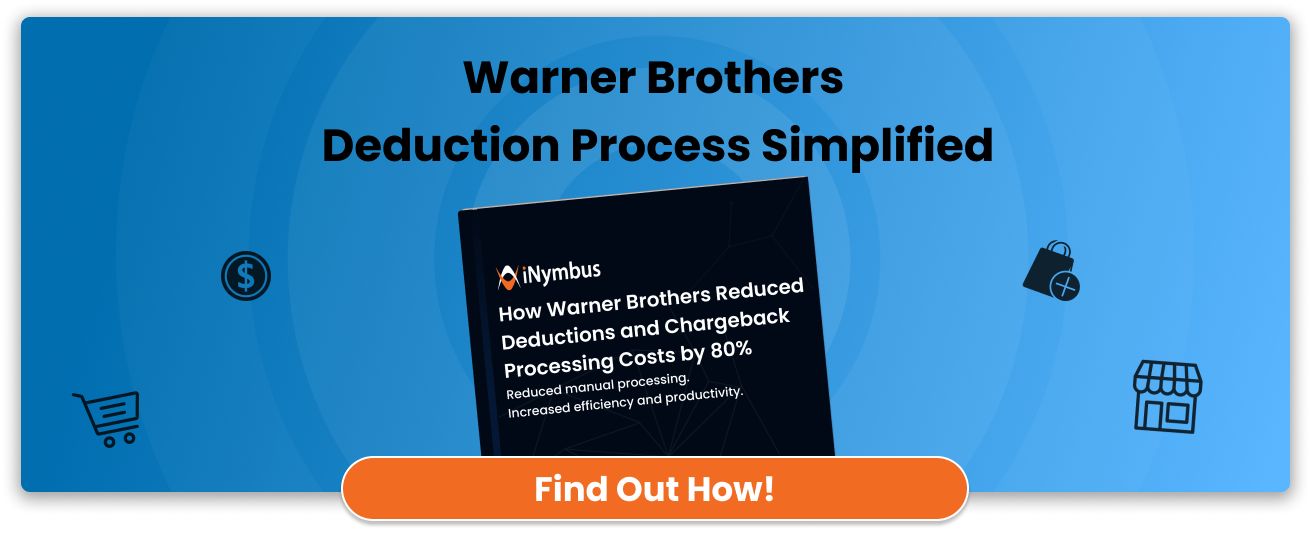
Among the many invoice automation tools available today, iNymbus focuses on helping finance teams handle invoice-related deductions and disputes more efficiently. The platform uses Robotic Process Automation (RPA) to automate repetitive tasks involved in reviewing deductions, collecting supporting documents, and submitting claims.
For companies processing large invoice volumes, especially those working with major retailers, these steps can take significant time when handled manually. By automating these workflows, iNymbus helps teams manage invoice discrepancies more consistently while reducing administrative effort.
As invoice automation companies continue to expand their capabilities, solutions like iNymbus demonstrate how automation can support more complex invoice processes alongside traditional automated invoice software used for processing and tracking invoices.
Conclusion
Choosing the right invoice automation tools depends on your specific business needs. However, the benefits are universal: reduced processing time, fewer errors, improved cash flow, and more efficient finance operations.
For small businesses just starting with automation, BILL or Upflow offer accessible entry points with reasonable pricing. Mid-sized companies with growing complexity should consider Stampli or Tipalti for their scalability. Large enterprises will find the most value in comprehensive platforms like SAP Concur or Coupa.
If you're a supplier dealing with retailer chargebacks, iNymbus's RPA approach can transform your dispute management process. For companies focused on improving collections, Versapay and Quadient AR provide powerful AR-specific automation.
The investment in invoice automation typically pays for itself within 6-12 months through time savings and error reduction. Start by identifying your biggest pain points, then demo 2-3 solutions that address those specific challenges. Your finance team will thank you.